Your notes, as a wiki you own.
Wiki Workbench turns a folder of Markdown files into a linked, searchable wiki that you and your AI agents can read, write and keep tidy. Your notes stay plain text files, in a folder you choose.
Free to download, with a 14-day free trial. Then one purchase, no subscription.
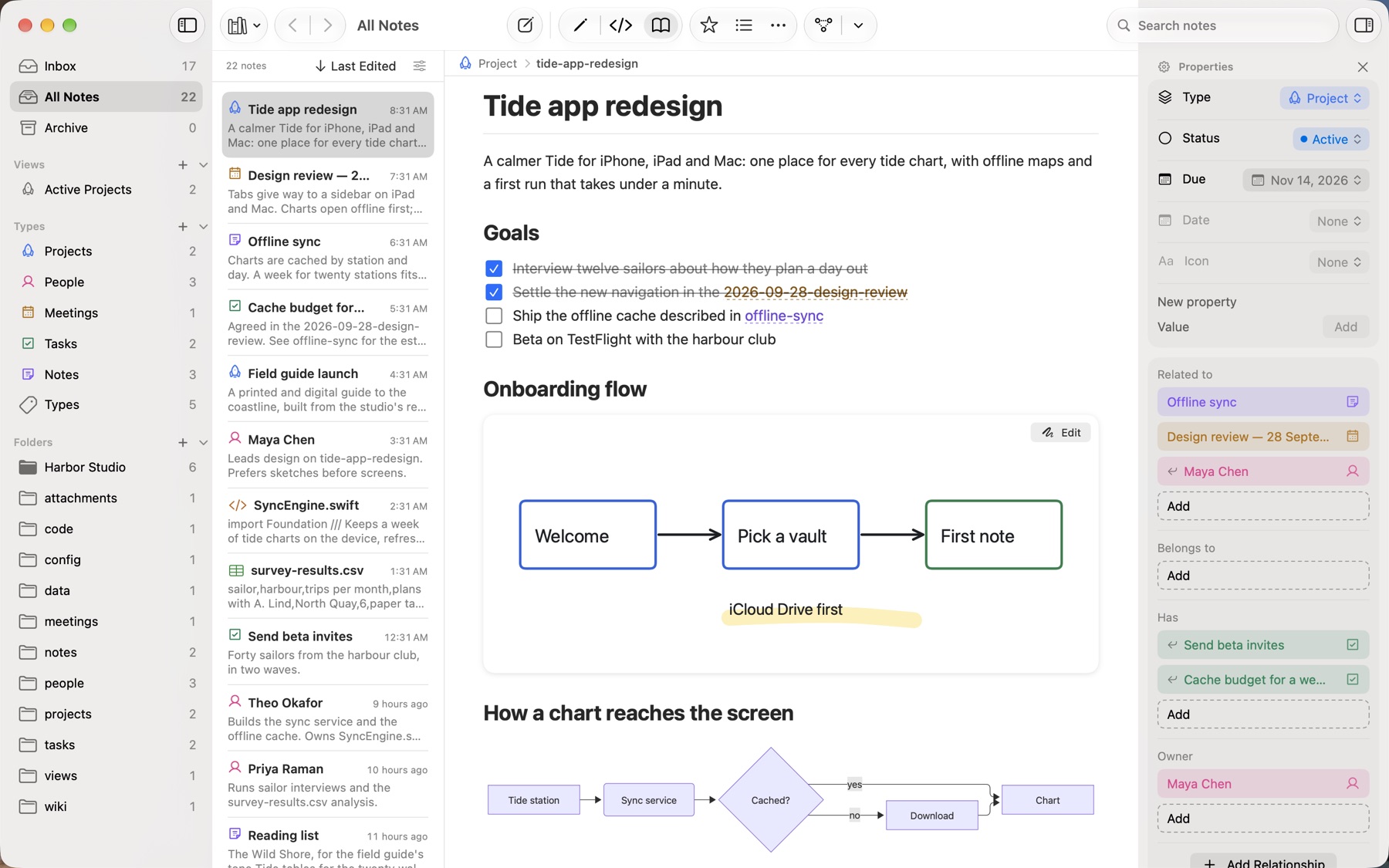
Everything a wiki needs, in plain files.
Write in Markdown, link as you go, and let structure grow out of your notes, not a database you can't leave.
Read, edit or see the source
Notes render beautifully in Read mode and stay Markdown as you type: tables, task lists, callouts, code, diagrams and maths.
Link everything
Type [[ to link a note. Every note shows what links back to it, and the graph draws the whole vault.
Types and properties
Projects, tasks, people and meetings with their own icons. Pick a status from a list and a date from a calendar; no YAML required.
Saved views
Filter and sort notes by any property, such as Active Projects or Open Tasks, and keep the view in the sidebar.
Fast to find
Quick Open jumps to any note, search reads every word, and Back and Forward retrace your steps. Still quick at ten thousand notes.
Git built in
See what changed, commit, pull and push, and look back through any note's history, without leaving the app.
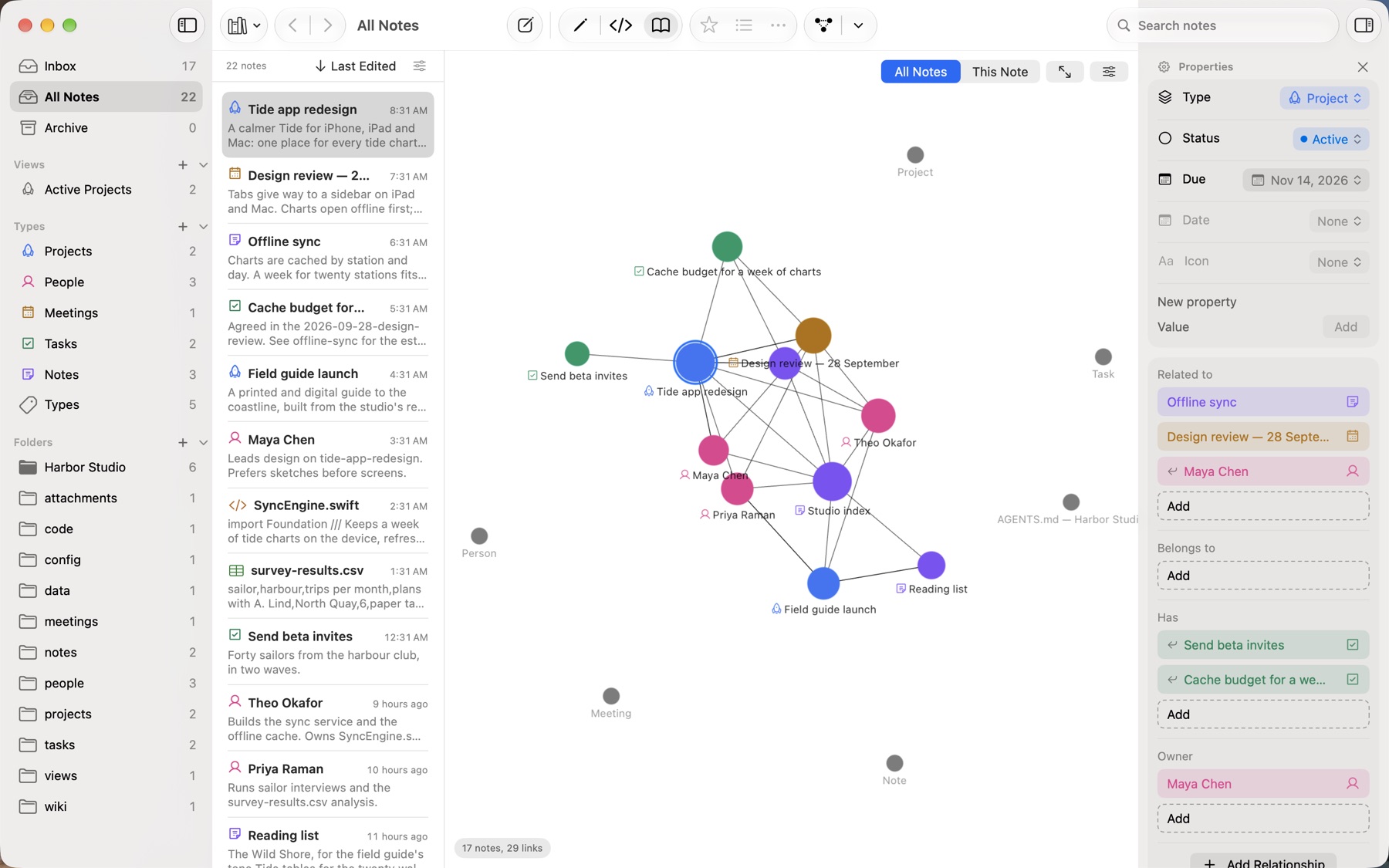
Built for you and your AI agents.
Start a new vault and Wiki Workbench sets it up the way agents work best: a folder for sources, a wiki to maintain, and instructions they read first.
- AGENTS.md describes your vault in your own words, with the conventions and workflows for ingesting sources and answering questions.
- Plain files mean any tool can read and write your notes, and the app picks up every change.
- On the Mac, a private agent connection (Model Context Protocol, off until you turn it on) lets AI tools on the same Mac search and open your notes.
Open Knowledge Format, built in.
Google Cloud's Open Knowledge Format (OKF) is an open standard for knowledge that AI agents and other tools can read: just Markdown, YAML frontmatter and files. Wiki Workbench follows it by default.
- Conformant from the start. A new vault's wiki is a valid OKF bundle, and every note the app creates carries a type.
- Export a bundle any OKF reader can use: wikilinks become Markdown links, relationships and citations become OKF fields.
- Import it back exactly as it was, and check any bundle against the OKF rules.
On every Apple device.
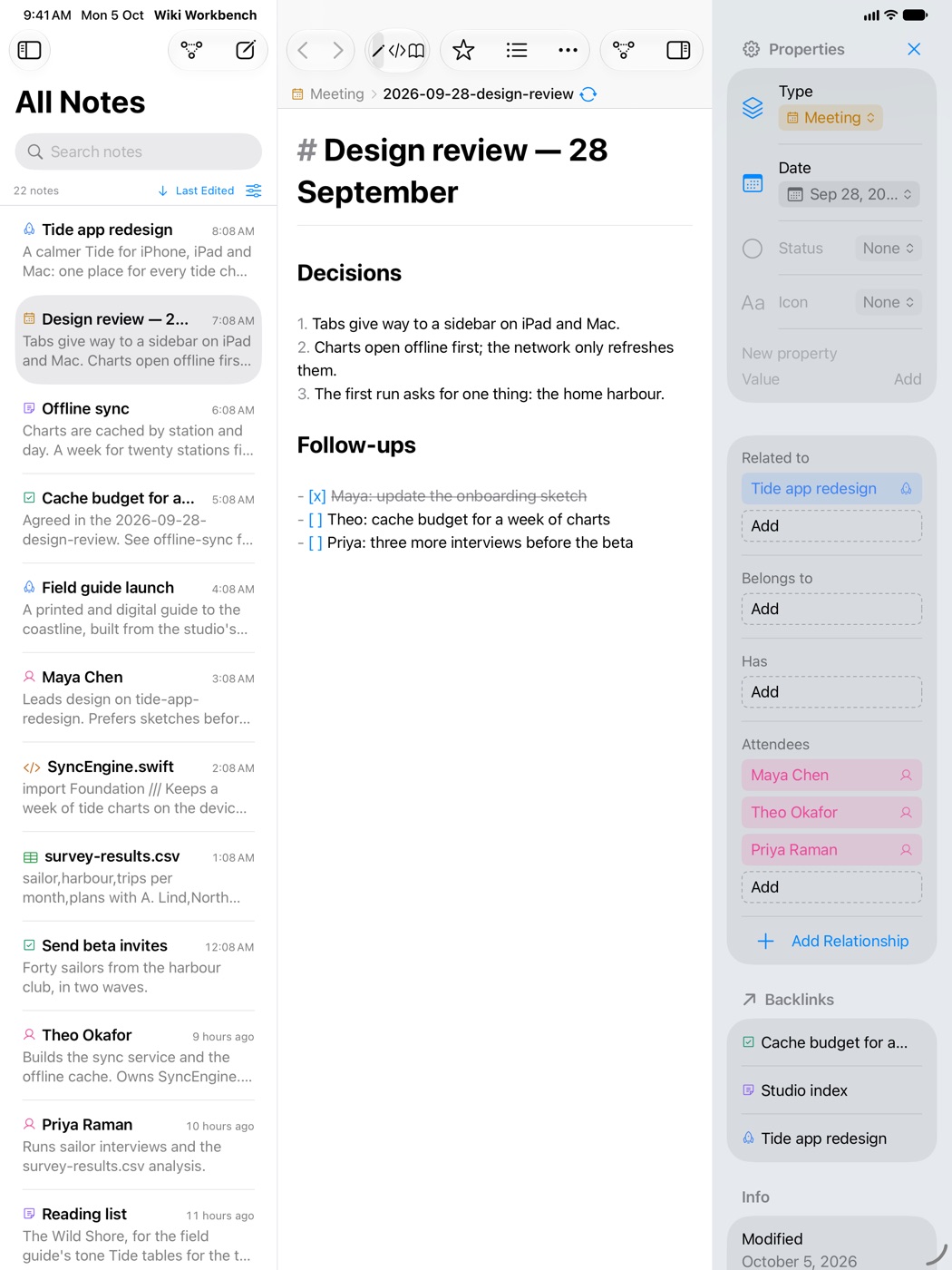
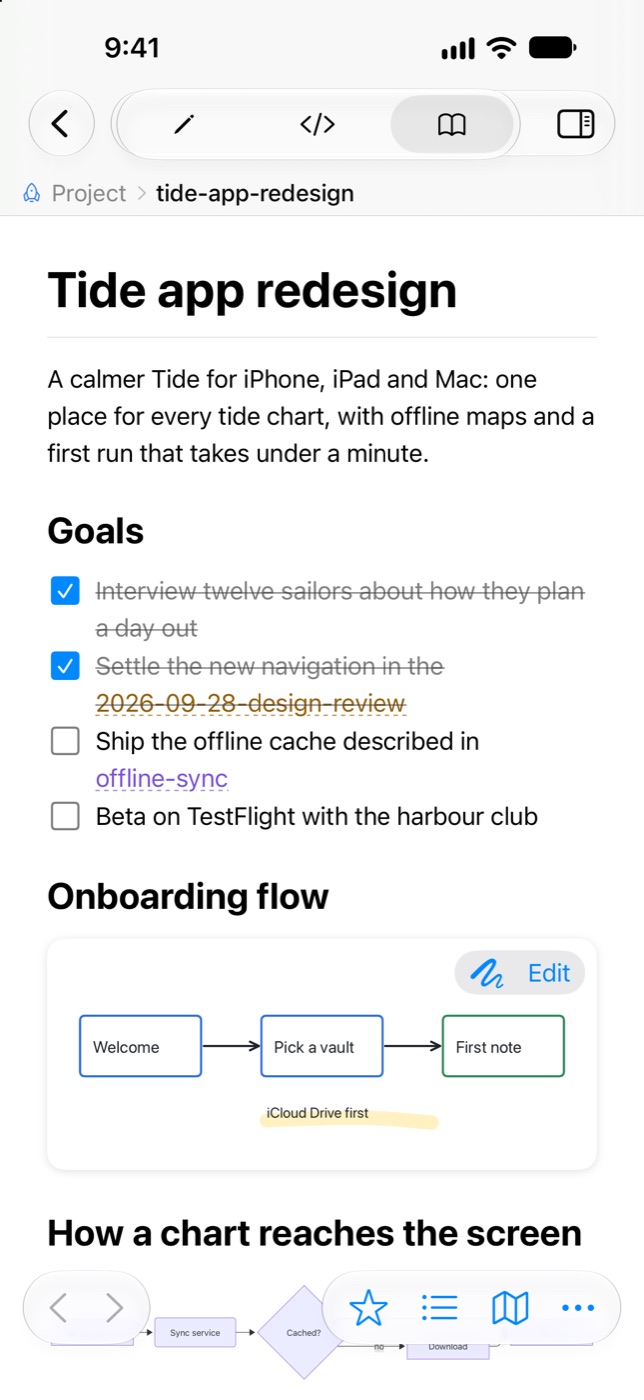
Native on Mac, iPhone, iPad and Apple Vision Pro. Keep your vault in iCloud Drive or a git repository and open it everywhere.

$19.99
once, for every device you own
- 14-day free trial of everything
- Mac, iPhone, iPad and Apple Vision Pro
- No subscription, no account
- After a trial, your notes stay readable and searchable
Price in US dollars; the App Store shows yours.
Private by design.
No account, no tracking, no analytics. Your notes never leave your devices except through the sync, git and AI tools you choose.